 Clatterkey
Press kit
Clatterkey is a Mac menu bar app, made in Belgium, that plays real mechanical keyboard switch recordings as you type: 19 sound sets, stereo by key position, and an optional strike-sensitive mode that uses the MacBook's motion sensor. It goes quiet during calls, reads key codes only and never the characters you type, and costs €9.99 once after a 3-day free trial.
Logos, icons, screenshots, a typing sample of every sound set and this fact sheet. Nothing is under embargo; publish any time.
Review licenses and contact
Writers, editors and creators get a free license for review. Ask at [email protected].
Listen
The same two sentences typed with three of the 19 sets. All 19 are in the press kit.
Demo video
28 seconds, sound on, made with Clatterkey's own sounds. Downloads: landscape 16:9 (3.5 MB), vertical 9:16 (3.2 MB).
Screenshots
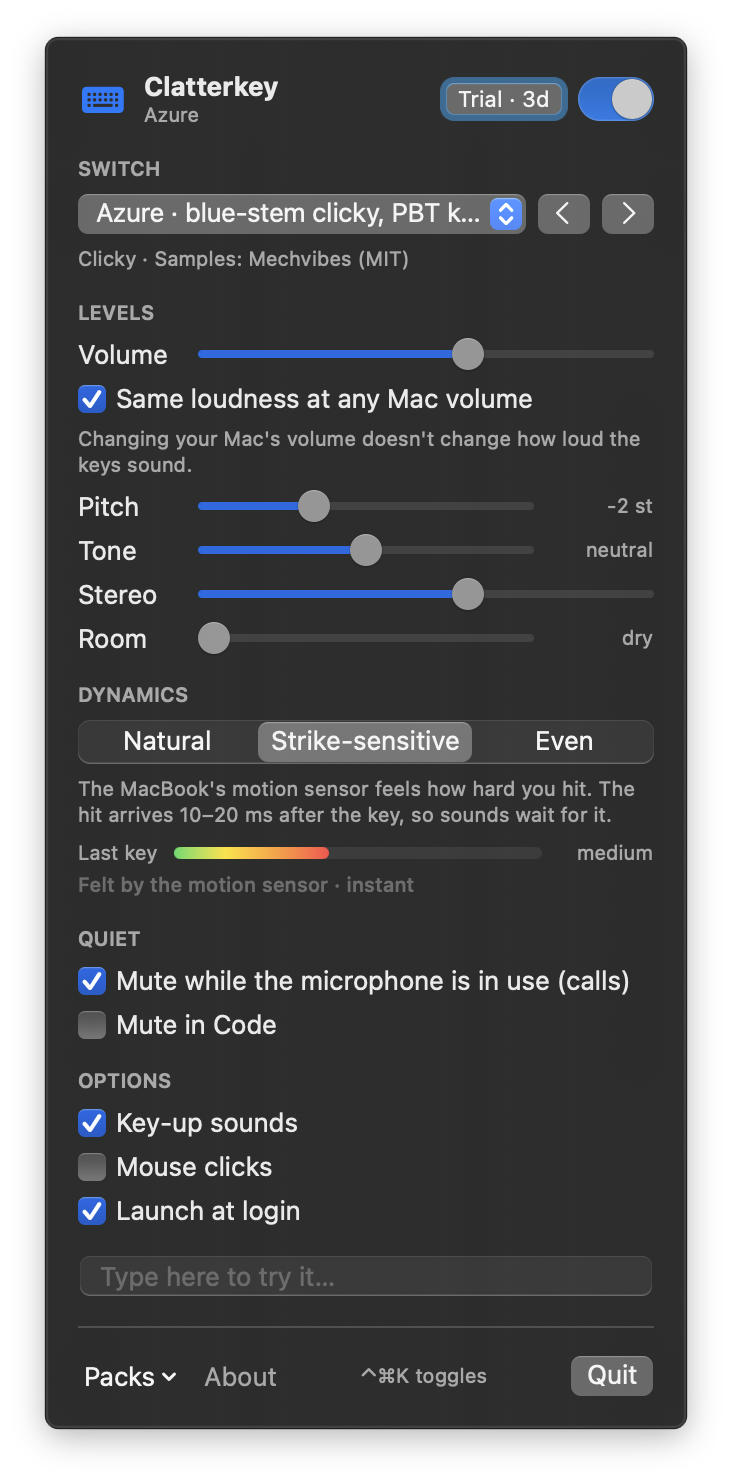
Full-size files, with a transparent background where it applies, are in the press kit.
Fact sheet
- What
- A Mac menu bar app that plays real mechanical keyboard switch recordings as you type, in every app.
- Version
- 1.3.1, November 2026
- Made by
- Edouard Verbeke, Coffee Table Consultancy CommV, Belgium
- Platform
- macOS 14 Sonoma or later, Apple Silicon and Intel. Notarized download from clatterkey.com; not on the Mac App Store.
- Price
- 3-day free trial with no account or card, then €9.99 once for up to 3 Macs. EU prices include VAT. No subscription. Sold through Polar.
- Sounds
- 19 sets: linear, tactile, clicky, electro-capacitive rubber dome and buckling spring. Each set is sampled from a real keyboard, with separate press and release sounds. Stereo follows each key's position; space, return and shift sound bigger. Optional mouse clicks.
- Dynamics
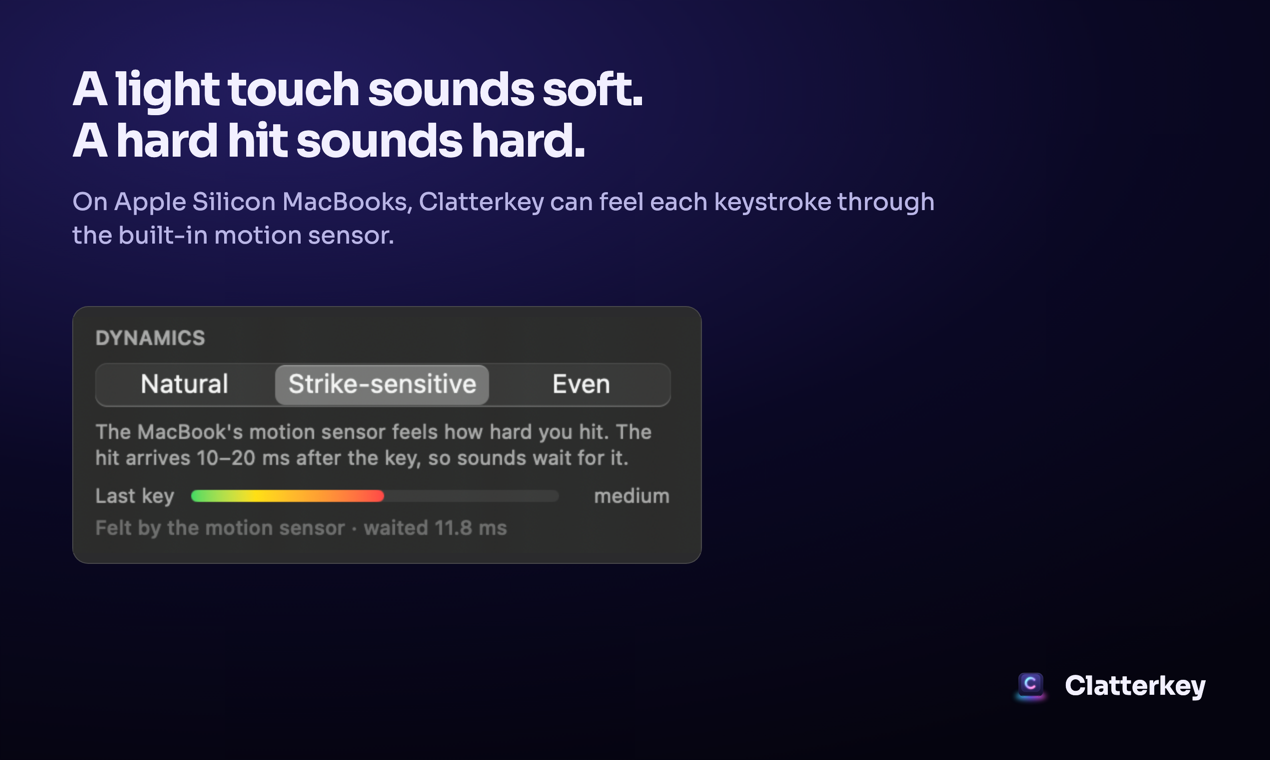
- Natural (default), Strike-sensitive and Even. Strike-sensitive reads the built-in motion sensor of Apple Silicon MacBooks, so harder hits sound harder; it waits 10 to 20 ms for the hit.
- Quiet
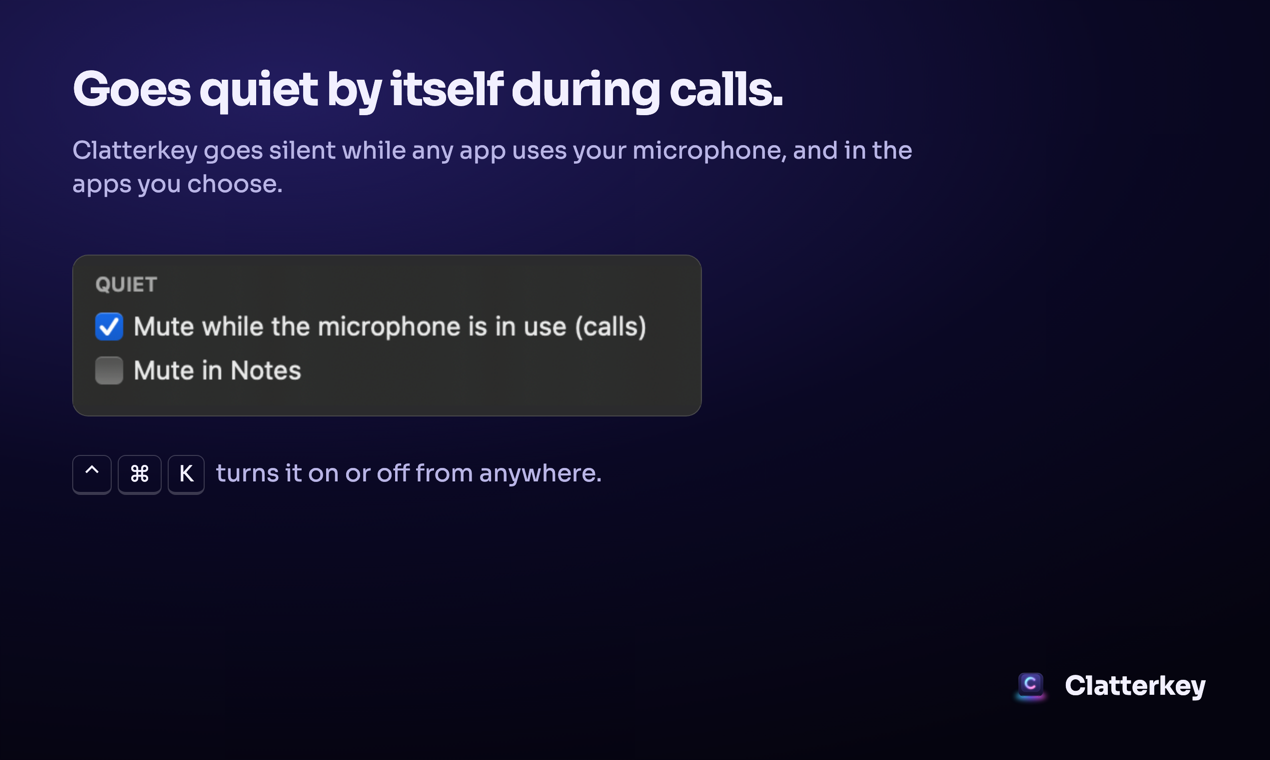
- Goes silent while any app uses the microphone, and in apps you choose. ⌃⌘K turns it on or off.
- Privacy
- Reads key codes only, to pick a sound. Never sees the characters you type, and stores and sends nothing about your typing. Silent in password fields. Needs the macOS Input Monitoring permission.
- Footprint
- About 45 MB of memory and under 1% of one core when idle.
- Your own sounds
- Drop recordings into a folder to make a sound pack.
- Language
- English
- Sound credits
- MIT-licensed recordings from the Mechvibes and kbsim projects (licenses).
About Clatterkey
Clatterkey is a Mac menu bar app that plays real mechanical keyboard switch recordings as you type. Choose from 19 sound sets, from linear, tactile and clicky switches to rubber dome and buckling spring, each sampled from a real keyboard with separate press and release sounds. Stereo follows each key's position, and space, return and shift sound bigger. On Apple Silicon MacBooks, an optional strike-sensitive mode makes light touches soft and hard hits loud. Clatterkey goes quiet during calls and reads key codes only, never the characters you type. For macOS 14 and later. 3-day free trial, then €9.99 once for up to 3 Macs.
Who makes it
Clatterkey is made by Edouard Verbeke, a software consultant in Belgium who builds small Mac apps on the side. It's a one-person project: no investors, no tracking, and the person who wrote the app answers the support mail.